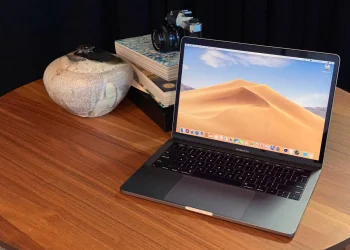

Mac users who’ve ever squinted at distant whiteboards in class or tried to read small print documents — good news: a new feature called Magnifier now turns your MacBook (or any connected camera) into a makeshift magnifying glass. With a simple setup, you can point your Mac’s camera or an attached iPhone/USB webcam at anything — a faraway slide in a lecture hall, a document on your desk, or a menu across the table — and see it up close on your screen.
Magnifier works by capturing live video, then letting you zoom in, adjust brightness or contrast, and even clean up text so it’s easier to read. If the camera sees printed text, the app can highlight it as readable text — then show it large and clear, or even read it aloud for you. That makes it useful not just for seeing, but also for accessibility: someone with low vision, or simply dealing with tiny print, can have text enlarged, reformatted, and read out loud.
You can switch between different cameras easily — built-in webcam, external USB camera, or your iPhone via Mac’s continuity tools. There’s a slider to zoom in on details, and if you snap a photo, Magnifier lets you revisit the frame later — zoom, pan, save, or share it. For example: a distant blackboard, a small printed label, or an old book’s faint text — all become readable without needing a separate magnifying glass or special hardware.
For everyday users, the feature is handy: need to read a contract, inspect fine details on a printed map, or grab text from a printed article? Magnifier makes it easy. For students and professionals, it can replace carrying bulky magnifiers, clip-on magnifying lenses, or relying on phone cameras. And for people with vision difficulties, it opens the door to better real-time readability and text access.
In short — Magnifier brings “real-world zoom” to the Mac. It doesn’t just make your screen bigger, but lets your Mac act like a camera-powered magnifying glass: simple, practical, and surprisingly useful for anyone who regularly deals with small or distant text.