

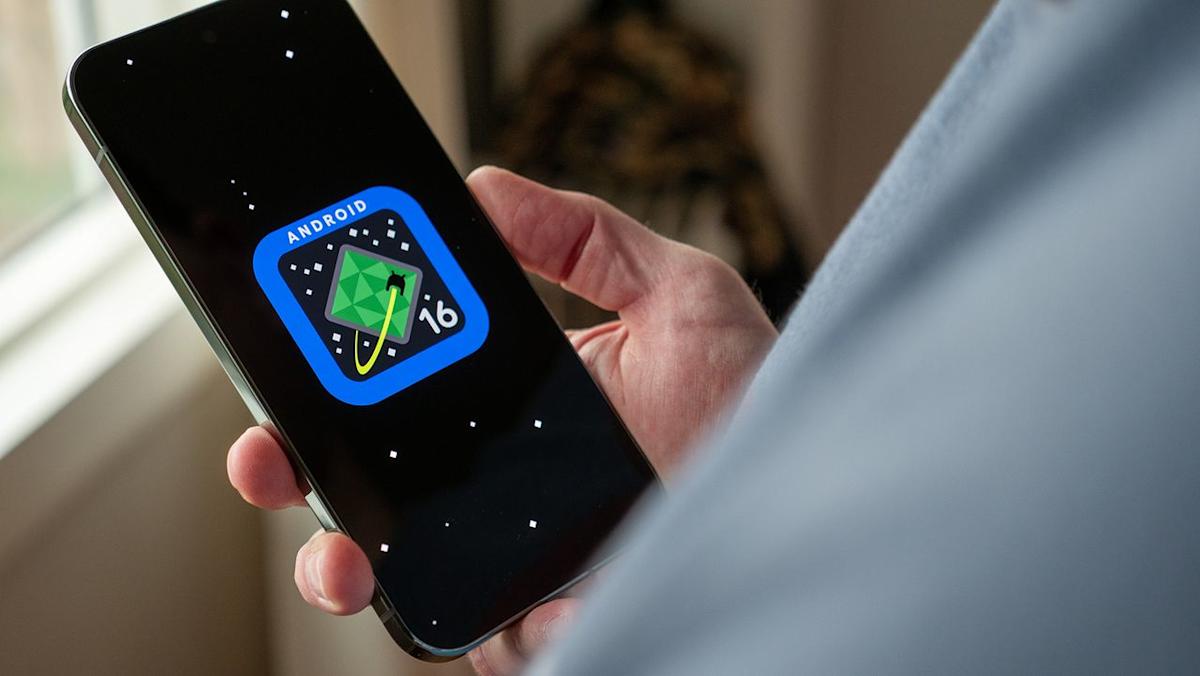

Google’s latest update for Pixel devices, Android 16 QPR2, is now rolling out — and it comes loaded with performance tweaks, useful features, and long-overdue fixes. If you own a supported Pixel phone, this could noticeably change how smooth and friendly your device feels day to day.
What’s New: Smarter Notifications, Better Looks, and More Control
One of the biggest visible changes is how notifications are handled. Long group-chats or message threads can now be boiled down into quick, AI-generated summaries, giving you just the key points instead of dozens of individual alerts. Meanwhile, spammy or low-priority notifications — like promos, news pings, or social-media updates — are automatically grouped or hidden by the new notification organizer, helping reduce distraction and clutter.
Customization and interface refinements come next. The update introduces new home-screen personalization: you get options for custom icon shapes, and even apps that don’t support themed icons automatically get a unified look. There’s also an expanded dark theme that forces darker color schemes even on apps without native dark mode — useful for night usage or for people who prefer a darker UI. On top of that, lock-screen widgets are now available: swiping left on the lock screen reveals quick-access widgets (weather, music, calendar, etc.), making the lock screen more functional.
For parents or users who share their phone, QPR2 adds a standalone parental-controls panel. It separates these settings from “digital wellbeing,” giving clearer, easier control over screen time, app usage, and schedule restrictions if needed.
Performance & Stability Under the Hood
Under the surface, QPR2 brings meaningful improvements to how smoothly everything runs. A reworked garbage-collection system reduces CPU load and improves memory management — which helps apps launch faster, animations stay smooth, and multitasking feel more responsive.
Benchmark tests for some recent Pixel models (e.g. those with Google’s Tensor chips) show improved GPU performance under QPR2, which could translate to better graphics in games and smoother video playback. At the same time, the update fixes many lingering bugs: things like battery-charge-limit misreporting, display flickering or freezing on some models, odd behavior with notifications or quick-settings panels, and a variety of audio, Bluetooth, and connectivity issues.
Security also gets a big injection — December’s patch closes dozens of vulnerabilities ranging from moderate to critical. That means, beyond convenience and polish, QPR2 aims to make Pixel phones safer and more reliable overall.
Who Benefits, Who Should Wait
If you use your Pixel for everyday tasks — messaging, browsing, social media, light gaming — you’ll likely notice QPR2’s improvements right away: fewer annoying notifications, smoother performance, and a cleaner, more customizable interface. Parents or users sharing devices may appreciate the enhanced control features.
Power users and gamers might welcome the boosted GPU and better memory handling as a potential performance boost, though it’s not a guarantee of flagship-level gaming — but it’s a clear step up.
On the flip side, phones near the end of their update window or older devices may see fewer benefits. And as with any major update, there’s a chance for bugs or glitches — so if your phone is essential for work or daily use, some users may want to wait a few days before upgrading.
The Big Picture: Android’s New Update Rhythm
With QPR2, Google seems to be signaling a shift in how Android is updated. Instead of waiting for big yearly OS upgrades, QPR2 shows a model of more frequent, incremental updates — mixing new features, performance tuning, and security fixes in a way that feels more agile and responsive. For Pixel owners at least, this could mean a more polished, continuously improving experience.