

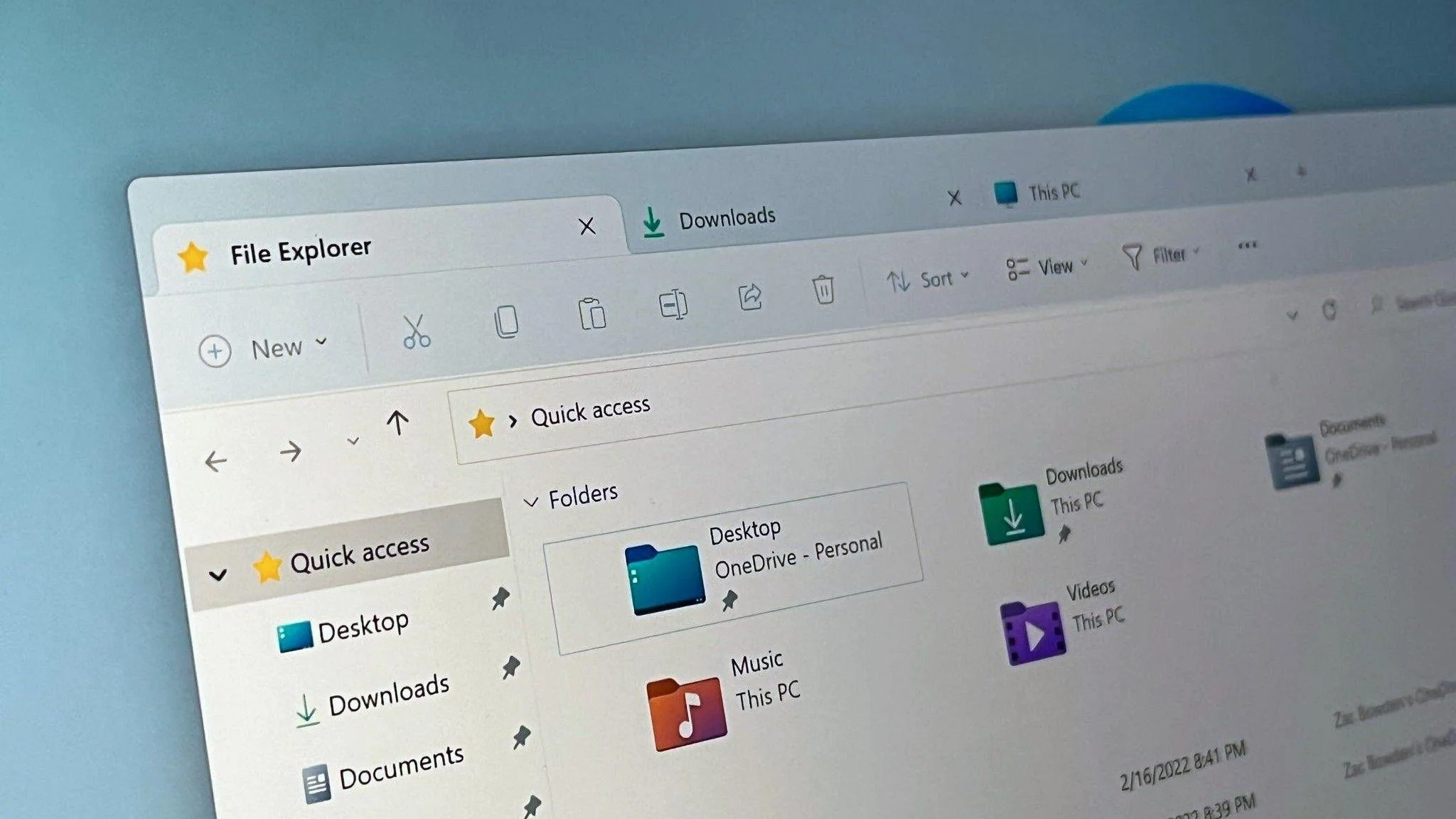

Windows 11 users hoping for a snappier File Explorer after Microsoft’s latest update are finding the opposite. The update introduced a background-loading method meant to keep parts of File Explorer pre-initialized so it could launch instantly when opened. Instead of delivering that promised speed boost, the feature is drawing complaints for slower load times and heavier memory usage.
Early testing across different Windows 11 machines shows that the “faster” File Explorer doesn’t actually feel faster. Opening the app can still take longer than it did on Windows 10, and once inside, navigation between folders often stutters. Some users report delays when switching views, waiting for thumbnails to appear, or accessing common menu actions. The new preload system is working — but it’s eating up more RAM while failing to deliver a noticeable performance benefit.
A major reason behind these slowdowns appears to be File Explorer’s hybrid architecture. Microsoft has been gradually rebuilding parts of the interface with modern frameworks while still relying on older components underneath. That blend, while visually cleaner, introduces extra layers of processing that make Explorer heavier than earlier versions. On systems with limited memory, especially laptops and entry-level PCs, the preload technique ends up competing with other apps, adding to overall sluggishness.
As a result, the update leaves many users wondering whether the trade-off was worth it. The idea of preloading File Explorer isn’t inherently flawed, but the current implementation adds more overhead than speed. Until Microsoft streamlines Explorer’s design or optimizes how the new elements interact with the older ones, Windows 11’s default file manager may continue to feel less responsive than the one it replaced.