• Blog
  • My-Account
    • Cart
    • Checkout
  • About US
Tuesday, January 20, 2026
  • Login
iTDAY
  • Smartphone
  • Technews
    • Camera
    • Gadjet
    • Laptop
    • PC
    • Tablet
    • Wearable
  • PC
  • Podcast
  • Videos
  • Games
No Result
View All Result
  • Smartphone
  • Technews
    • Camera
    • Gadjet
    • Laptop
    • PC
    • Tablet
    • Wearable
  • PC
  • Podcast
  • Videos
  • Games
No Result
View All Result
iTDAY
No Result
View All Result

Google needs to clear up this confusion surrounding Gemini on Pixel phones

Admin First by Admin First
2025-10-13
in Ai
Reading Time: 2 mins read
0
A A
0
Home Ai

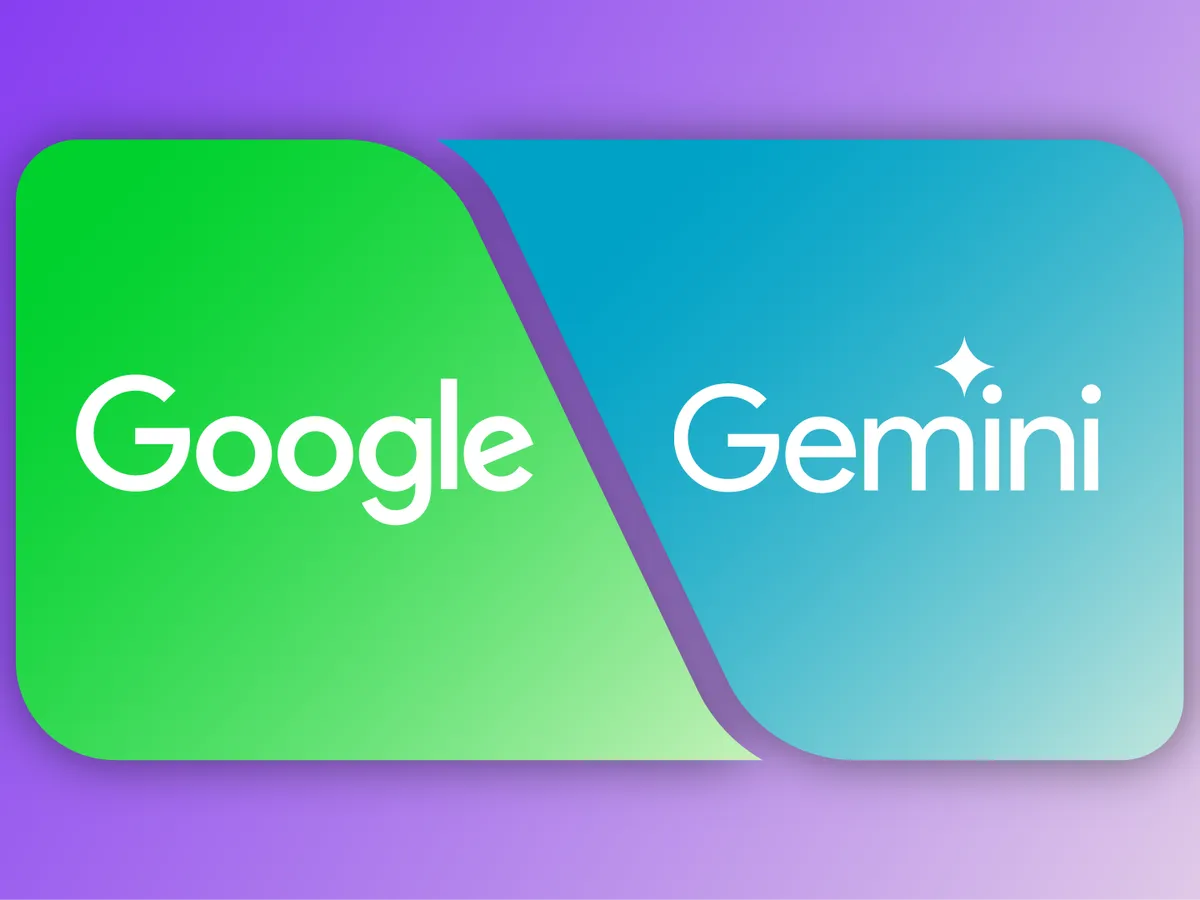
Even though Google is gradually replacing Google Assistant with Gemini on Pixel phones, users are still required to say “Hey Google” to activate it. This inconsistency has left many scratching their heads. If Gemini is the new assistant, why not allow users to summon it with “Hey Gemini”?

Some users, like one mentioned in a PhoneArena discussion, argue that “Hey Gemini” is easier to say and feels more natural. Besides, it’s confusing to call for Google when you actually want Gemini to respond — especially as the two are becoming distinct in functionality and branding.

The current activation options on Pixel phones

Right now, Pixel owners can switch between Gemini and Google Assistant by navigating to Settings > Apps > Assistant > Digital Assistants from Google. However, no matter which one you choose, the activation command remains “Hey Google.” You can also use the “Quick Tap” feature to summon your assistant by tapping the back of your phone twice — a handy option for those who don’t want to speak out loud.

If long-pressing the power button feels annoying, you can also disable or change this shortcut. In Settings > System > Gestures > Press & hold power button, you can decide whether to access the Power menu or launch your Digital assistant.
 

1 of 1
- +

Remembering the old Active Edge feature

Long-time Pixel users might remember the beloved Active Edge feature from the Pixel 2 and Pixel 4 days, which allowed you to squeeze your phone to activate the assistant. Sadly, this feature was removed with the Pixel 5 and has never returned. For those who miss it, Quick Tap now offers a partial replacement — though not quite the same satisfying experience.

Why Google should make “Hey Gemini” happen

Given Google’s clear intention to make Gemini the default AI assistant across Android devices, it makes perfect sense to introduce a matching wake phrase. A “Hey Gemini” or even just “Gemini” hotword would make interactions feel more consistent and personal. The move would also signal a full transition away from Google Assistant, marking the beginning of a new era in Android’s AI experience.

Tags: Active EdgeAI assistantAI confusionAI InnovationAI integrationAI transitionAI upgradeAndroidAndroid 15assistant commanddigital assistantGemini activationGemini AIGemini vs AssistantGoogleGoogle AssistantGoogle ecosystemGoogle hotwordGoogle I/OGoogle newsGoogle Pixel 8Google settingsGoogle updateHey GeminiHey GooglePixel featuresPixel gesturesPixel phonesQuick Tapvoice assistant
ShareTweet
Admin First

Admin First

Related Posts

Researchers Use Mindfulness-Inspired Tweaks to Calm AI Response Behavior
Ai

Researchers Use Mindfulness-Inspired Tweaks to Calm AI Response Behavior

by sadaf
2026-01-04
New HP Laptops Expected at CES 2026: EliteBooks, OmniBooks, and OMEN AI Models
Ai

New HP Laptops Expected at CES 2026: EliteBooks, OmniBooks, and OMEN AI Models

by sadaf
2026-01-04
Meta’s Vision for Context-Aware AI Assistants Begins With Manus
Ai

Meta’s Vision for Context-Aware AI Assistants Begins With Manus

by sadaf
2025-12-31
Alexa Gets Smarter: Conversational Shopping and Travel Planning Tools
Ai

Alexa Gets Smarter: Conversational Shopping and Travel Planning Tools

by sadaf
2025-12-27
AI Misfires: ChatGPT’s Tendency to Overestimate Human Intelligence
Ai

AI Misfires: ChatGPT’s Tendency to Overestimate Human Intelligence

by sadaf
2025-12-27
Flagship Android Rival Features Physical Zoom Ring and High-Res Camera
Ai

Flagship Android Rival Features Physical Zoom Ring and High-Res Camera

by sadaf
2025-12-26
Next Post
Samsung’s Next Flagship Aims to Outperform iPhone 17 Pro with New Chip Strategy

Samsung’s Next Flagship Aims to Outperform iPhone 17 Pro with New Chip Strategy

Leave a Reply Cancel reply

Your email address will not be published. Required fields are marked *

  • Trending
  • Comments
  • Latest
Xiaomi Watch S4 Review: Brilliant Display, Customization Power, and Solid Fitness Features Under €200

Xiaomi Watch S4 Review: Brilliant Display, Customization Power, and Solid Fitness Features Under €200

2025-05-26
Samsung Galaxy Z Fold 7: The Thinnest, Lightest Foldable with Cutting-Edge AI and Camera Tech

Samsung Galaxy Z Fold 7: The Thinnest, Lightest Foldable with Cutting-Edge AI and Camera Tech

2025-07-10
New AI-Powered Notification Organizer in Android 16

New AI-Powered Notification Organizer in Android 16

2025-07-08
PowerBeats Pro 2: Launch Date and Price Details Unveiled

PowerBeats Pro 2: Launch Date and Price Details Unveiled

2025-02-03
New OnePlus Open 2 leak hints at a camera feature other flagships lack

New OnePlus Open 2 leak hints at a camera feature other flagships lack

0
Xfinity, Metro customers face Samsung Galaxy S25 Ultra activation problems

Xfinity, Metro customers face Samsung Galaxy S25 Ultra activation problems

0
Starting tomorrow, Apple might have to raise iPhone prices in the U.S.

Starting tomorrow, Apple might have to raise iPhone prices in the U.S.

0
Four Years Later, 60fps Bloodborne Patch Gets Taken Down By Sony

Four Years Later, 60fps Bloodborne Patch Gets Taken Down By Sony

0

MS Office 2024 Personal Minimal Setup [EZTV] To𝚛rent

2026-01-20

Office 2025 ARM64 KMS38 Mega Magnet Link

2026-01-20

Office 2019 64bits Latest Version Without OneDrive Get To𝚛rent

2026-01-20

Office LTSC Standard 64bits ODT Reddit Optimized To𝚛rent

2026-01-20
iTDAY

ITDAY is a technology-focused platform covering the latest tech trends, news, and innovations in the worldwide. It likely provides articles, reviews, and insights on advancements in the tech industry.

© 2025 itDay - All rights reserved for the website of the latest technologies in the World.

Welcome Back!

Login to your account below

Forgotten Password?

Retrieve your password

Please enter your username or email address to reset your password.

Log In

Add New Playlist

No Result
View All Result
  • Smartphone
  • Technews
    • Camera
    • Gadjet
    • Laptop
    • PC
    • Tablet
    • Wearable
  • PC
  • Podcast
  • Videos
  • Games

© 2025 itDay - All rights reserved for the website of the latest technologies in the World.